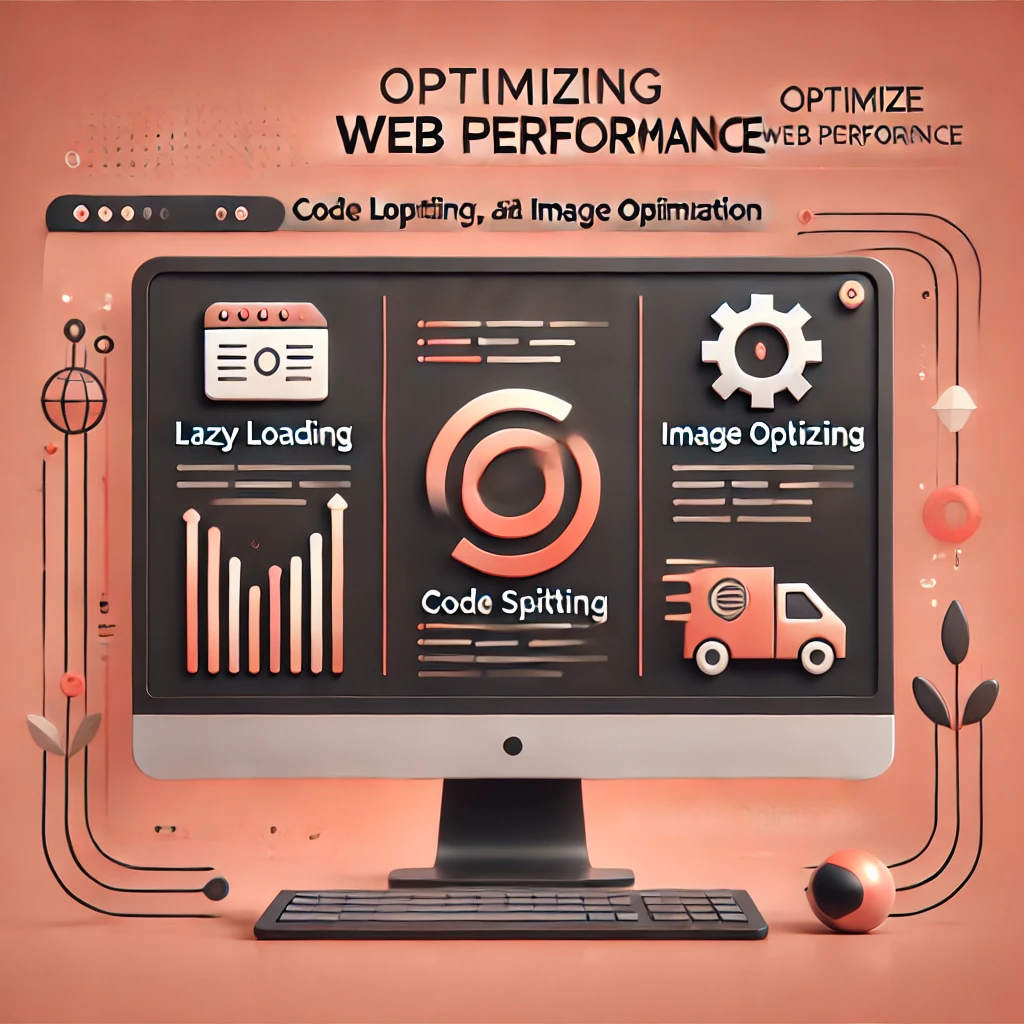
Website performance is critical for user experience and search engine rankings. Slow websites lead to higher bounce rates and lower engagement. Here, we explore three key techniques to optimize web performance: lazy loading, code splitting, and image optimization. These strategies ensure your site loads faster and provides a seamless user experience.
1. Lazy Loading
Lazy loading is a technique where resources, such as images or scripts, are loaded only when they are needed. This reduces the initial load time of a webpage and saves bandwidth.
- How It Works: Instead of loading all content at once, lazy loading defers loading off-screen content until the user scrolls to it.
- Benefits:
- Reduces initial load time.
- Improves user experience by displaying critical content faster.
- Saves bandwidth for users who don’t scroll through the entire page.
Example: Implementing lazy loading for images in HTML:
<img src="placeholder.jpg" data-src="actual-image.jpg" loading="lazy" alt="Description">
2. Code Splitting
Code splitting involves breaking down your JavaScript code into smaller chunks that are loaded on demand. This reduces the amount of JavaScript that needs to be downloaded and executed on the initial page load.
- How It Works:
- Tools like Webpack or Vite split your code into smaller bundles.
- Only the required bundles are loaded based on the user’s interaction.
- Benefits:
- Faster initial load times.
- Better resource utilization.
- Enhanced user experience as additional code loads seamlessly.
Example: Using dynamic imports in React for code splitting:
const Component = React.lazy(() => import('./Component'));
function App() {
  return (
    <React.Suspense fallback={<div>Loading...</div>}>
      <Component />
    </React.Suspense>
  );
}
3. Image Optimization
Images often account for a significant portion of a webpage’s size. Optimizing images can drastically reduce load times without compromising quality.
- Techniques for Image Optimization:
- Use Modern Formats: Convert images to formats like WebP or AVIF, which provide better compression than JPEG or PNG.
- Responsive Images: Serve images based on the user’s device and screen size using the
<picture>tag. - Compress Images: Use tools like TinyPNG or ImageOptim to reduce image file sizes.
- Benefits:
- Faster page load times.
- Improved SEO and user experience.
- Reduced bandwidth consumption.
Example: Responsive images in HTML:
<picture>
  <source srcset="image-small.webp" media="(max-width: 600px)">
  <source srcset="image-large.webp" media="(min-width: 601px)">
  <img src="image-fallback.jpg" alt="Description">
</picture>
Conclusion
Optimizing web performance is essential for delivering a better user experience and improving search engine rankings. Lazy loading, code splitting, and image optimization are powerful techniques to enhance your website’s speed and efficiency. By implementing these strategies, you can ensure faster load times, higher engagement, and better overall performance.
Remember, a faster website isn’t just about speed—it’s about creating an experience that users will love and return to. Start optimizing your site today and reap the benefits of better performance and happier users!
For more blogs, click here.
To know about me, click here.
LinkedIn: click here.
Github: click here